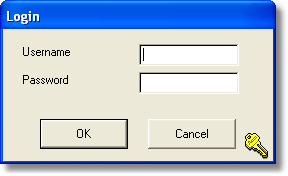
Once at least one user has been set up in the Security Module, the above login screen will appear whenever the program is started. The user should enter their Username and Password in the two boxes and then click on the OK button. If a correct Username and Password are entered, the program will launch.
Once launched, the logged in user's full name will be shown in the bottom left of the PC Share Register Plus window with their Username in brackets. If the user belongs to a User Group, the group's name will also be shown. |
|
