To print reports for the particular director or secretary, click on the Forms/Reports menu and select the required report from the drop-down menu. |
|
GENERAL
This shows general details about the director or secretary including a note as to whether the entry relates to a director or a company secretary. |
NB. If a person is both a director and company secretary you must create two separate entries for them - one as a director and one as company secretary. |
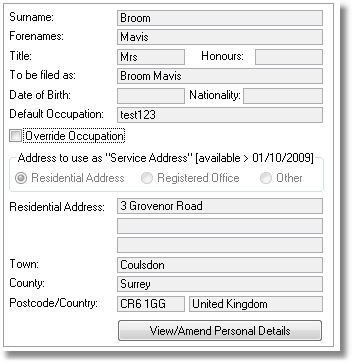
To edit the personal details, click on the View/Amend Personal Details button. This will then take you to the Person update screen where details can be edited. Editing these personal details will change the details for this person in ALL companies.
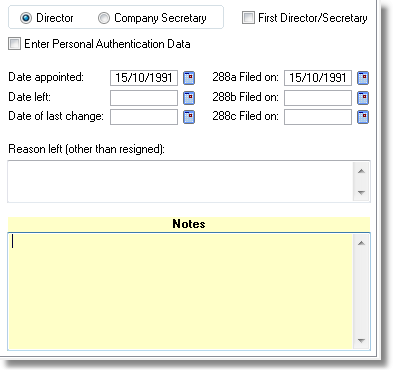
The General tab also contains information relating to that particular Director/Secretary entry which can be edited. |
OTHER DIRECTORSHIPS This tab shows a list of Other Directorships for this director. |
The screen is divided into Internal and External other directorships.
Internal - are automatically maintained by the software in respect of companies administered within the software.
External - these entries must be manually maintained by you in respect of companies that are not administered within the software. |
DIRECTOR'S INTEREST IN SHARES This tab shows a list of this director's interests in the shares of the company. |
In order to view or amend details of an existing entry, simply select the entry from the list. NB. Directors interests in their own shares are automatically maintained by the software.
|