If you wish to override the default URL link for a standard form:
| • | Highlight the required entry |
| • | Click the "Override URL" entry in the "Actions" task panel |
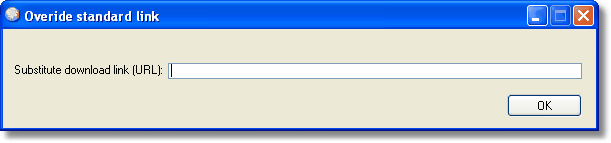
| • | Enter the new URL in the above box |
| • | Click OK button to save |

Once overridden, the entry will be displayed in orange. To return the entry to the default URL, simply edit the override URL making it blank. You will be given the option of automatically sending us an email containing the details of the override so that it can be considered for amending the database of standard forms. An email will be placed in your default email software outbox.